
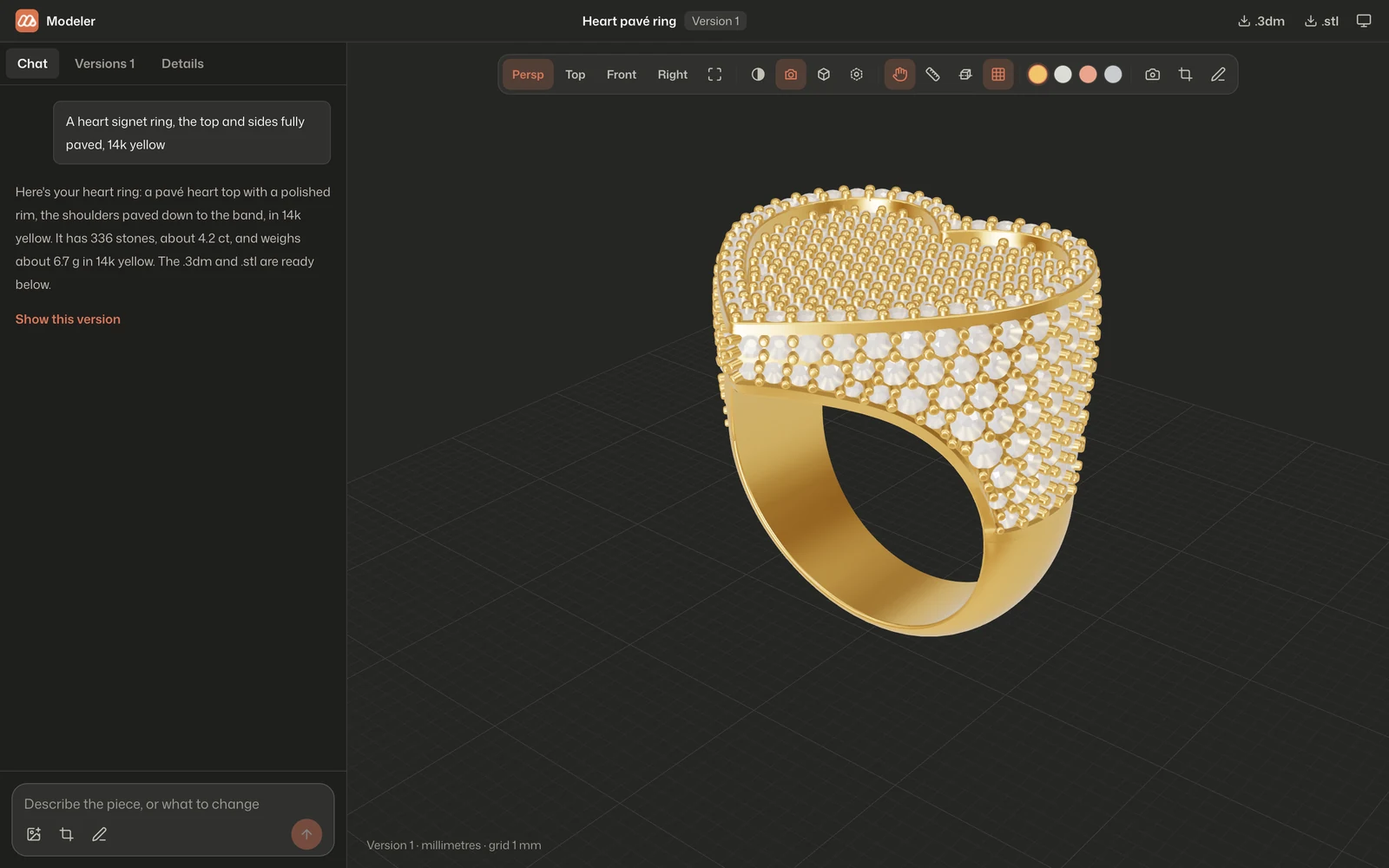
AI build
A finished piece in seconds
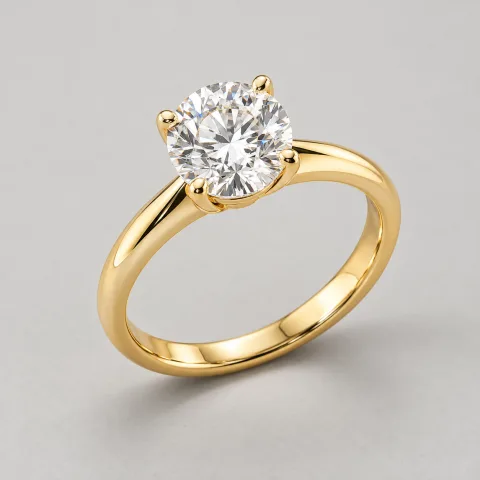
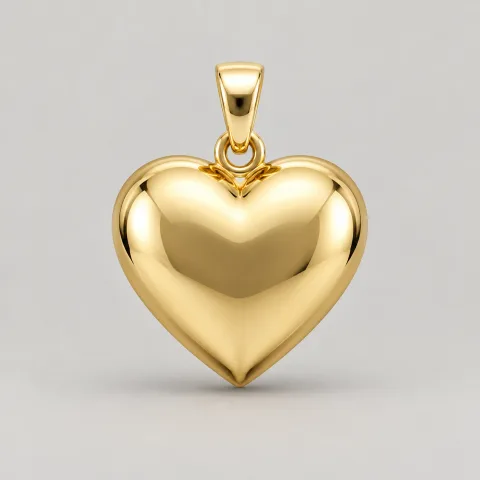
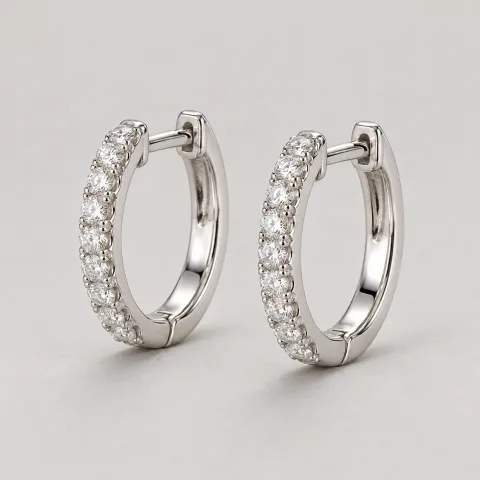
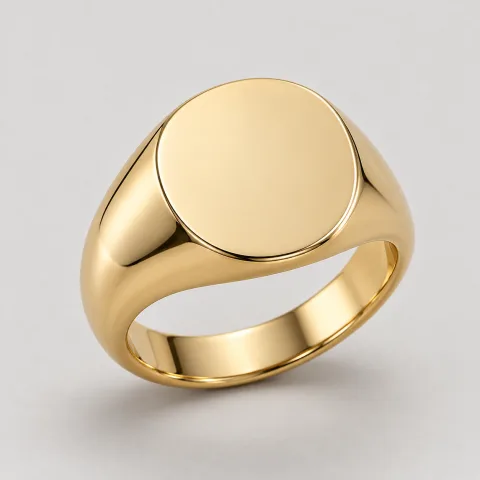
Describe a ring, pendant or earrings, or drop in a sketch. It's built to your size and metal, with every stone set and held.
Try itWith JewelryCG, you type the ring, pendant or earrings you want and get a CAD file ready to cast.
 Modeler
Describe the piece, or what to change
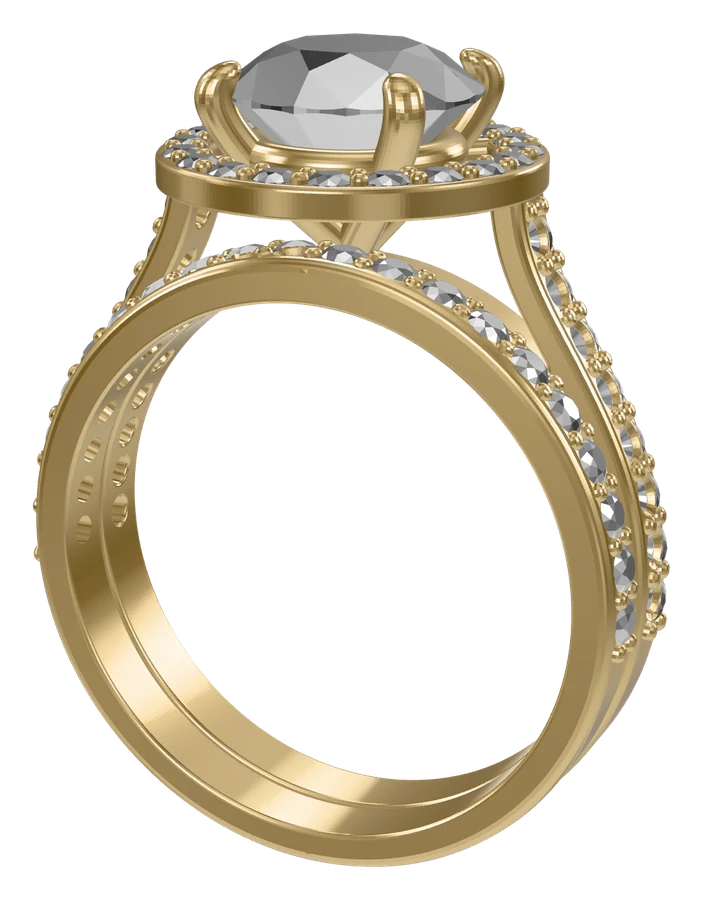
Let the AI build it, or shape every detail yourself. Either way you get a file you can cast.
AI build
Describe a ring, pendant or earrings, or drop in a sketch. It's built to your size and metal, with every stone set and held.
Try it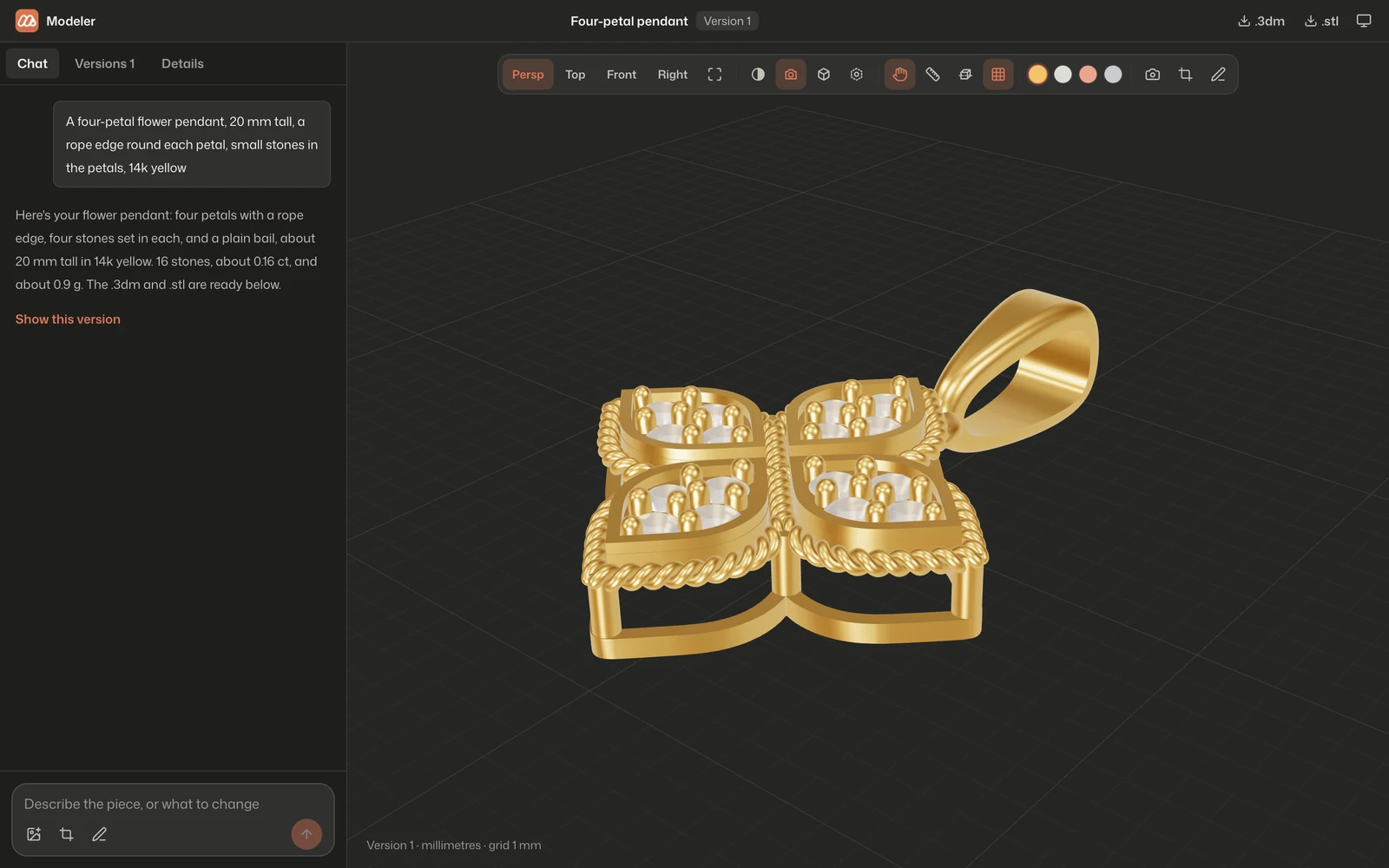
Modeler
Open it in Modeler for curves, surfaces and solids, pavé that fills a face, and settings that follow their stones.
See ModelerCasting
Casting checks catch loose stones and thin metal before you print. Export a watertight STL with every seat cut, with the weight in 14 alloys.
The newest jewelry CAD files, ready to download and cast.
 $19.99Views: 1
Rings · 3DM, STL
 $34.99Views: 2
Rings · 3DM, STL
 $49.99Views: 4
Accessories · 3DM, STL
 $19.99Views: 1
Chains · 3DM, STL
 $49.99Views: 3
Pendants
 $44.99Views: 2
Bracelets · 3DM, STL
 $29.99Views: 1
Bracelets · 3DM, STL
 $29.99Views: 2
Pendants · STL