

JewelryCG Modeler 1.0.9 for Mac · Windows and Linux coming
Jewelry CAD for designers and AI agents
Modeler is a Mac app for building jewelry. Draw and edit in four views like any professional modeler, then set pavé and settings with jewelry tools that count every stone, carat and gram as you work.
Version 1.0.9 · 36 MB · macOS 15 or later, Apple silicon
- Native .3dm files
- Casting-ready STL
- Light and dark mode
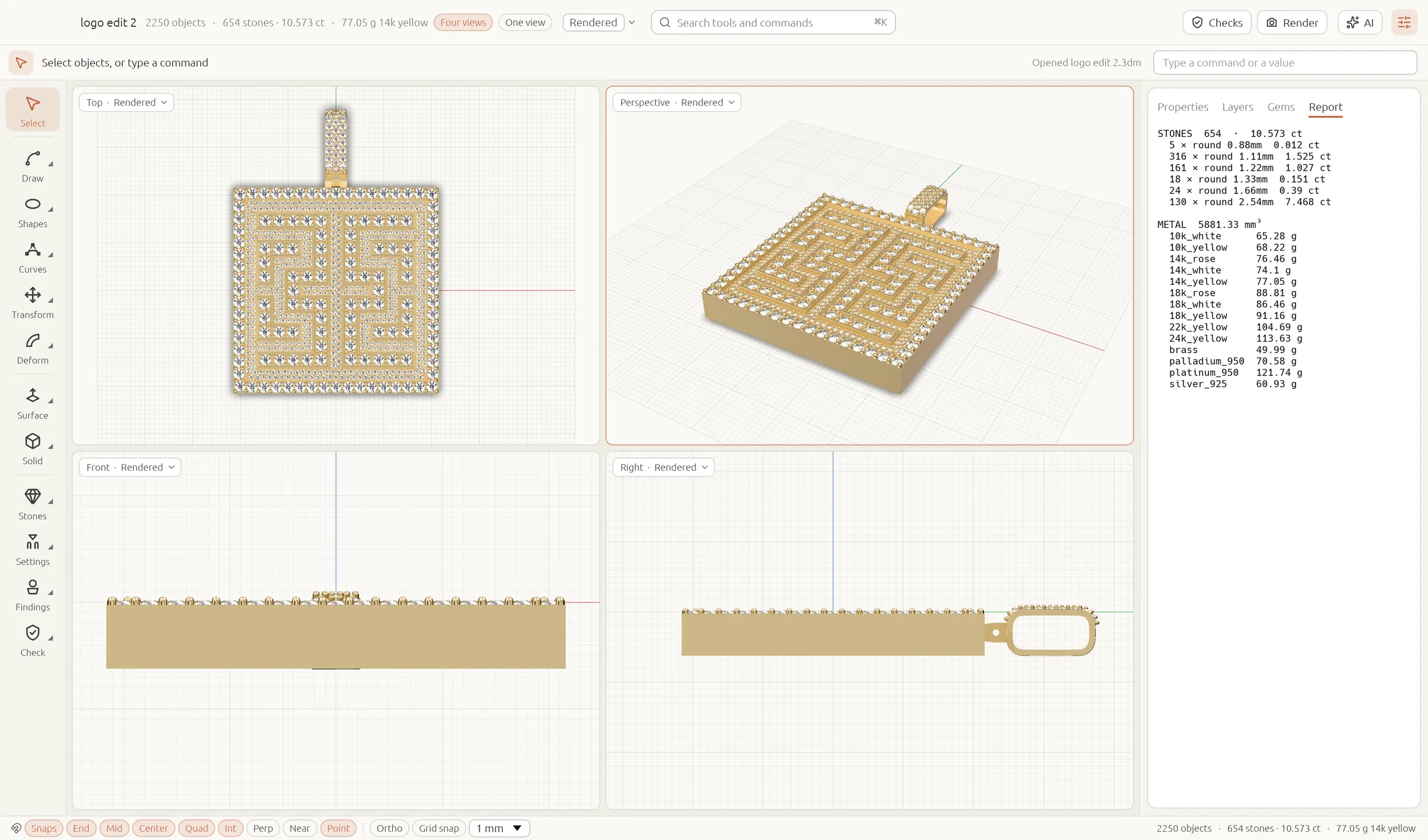
- Views, each with its own plane
- 4
- Alloys in the weight report
- 14
- To build a ring from a recipe
- 0.4 s
- Native files, STL for casting
- .3dm
Take the tour
Everything a jewelry designer needs, in one app
One piece, all the way through: a pavé logo pendant with 654 stones, modelled, set, checked, rendered and talked through in Modeler.
Curves, surfaces and solids
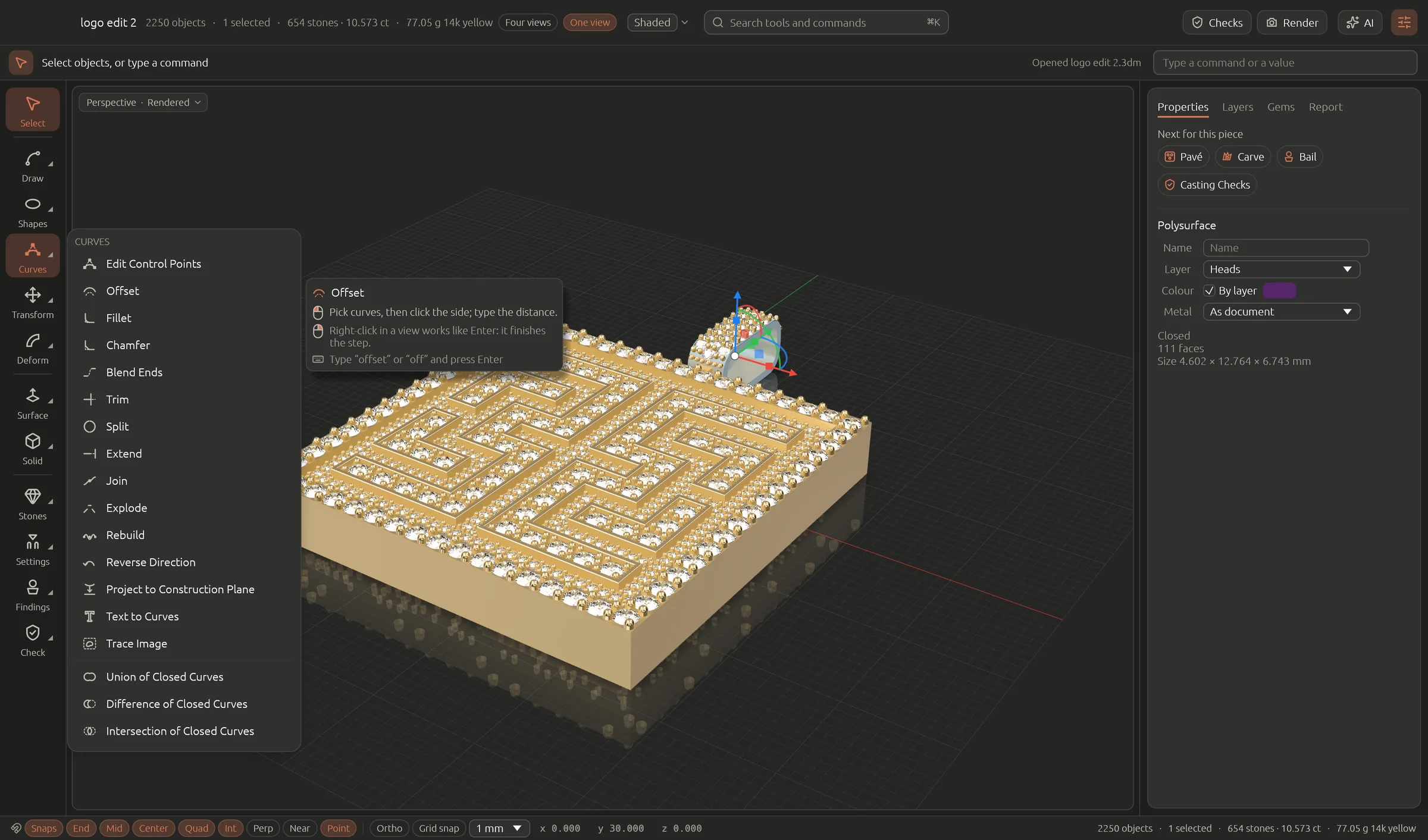
The tools you expect from professional CAD, grouped in twelve families on the left. Each tool says what it needs, and you type values or pick points with snaps.
Curves
Lines, arcs, freeform curves and text, then offset, fillet, trim, join and blend. Trace a logo straight from a photo.
Surfaces and solids
Extrude, revolve, loft and sweep, booleans, filleted edges, shells, and carving a field inside a rim.
Transforms and deformers
Move, rotate and scale on screen, arrays along curves and surfaces, and bend, twist, taper and flow.
Snaps and the command line
Ends, midpoints, centres and intersections, ortho and grid snap; type coordinates, distances and angles.
Set stones the way a setter would
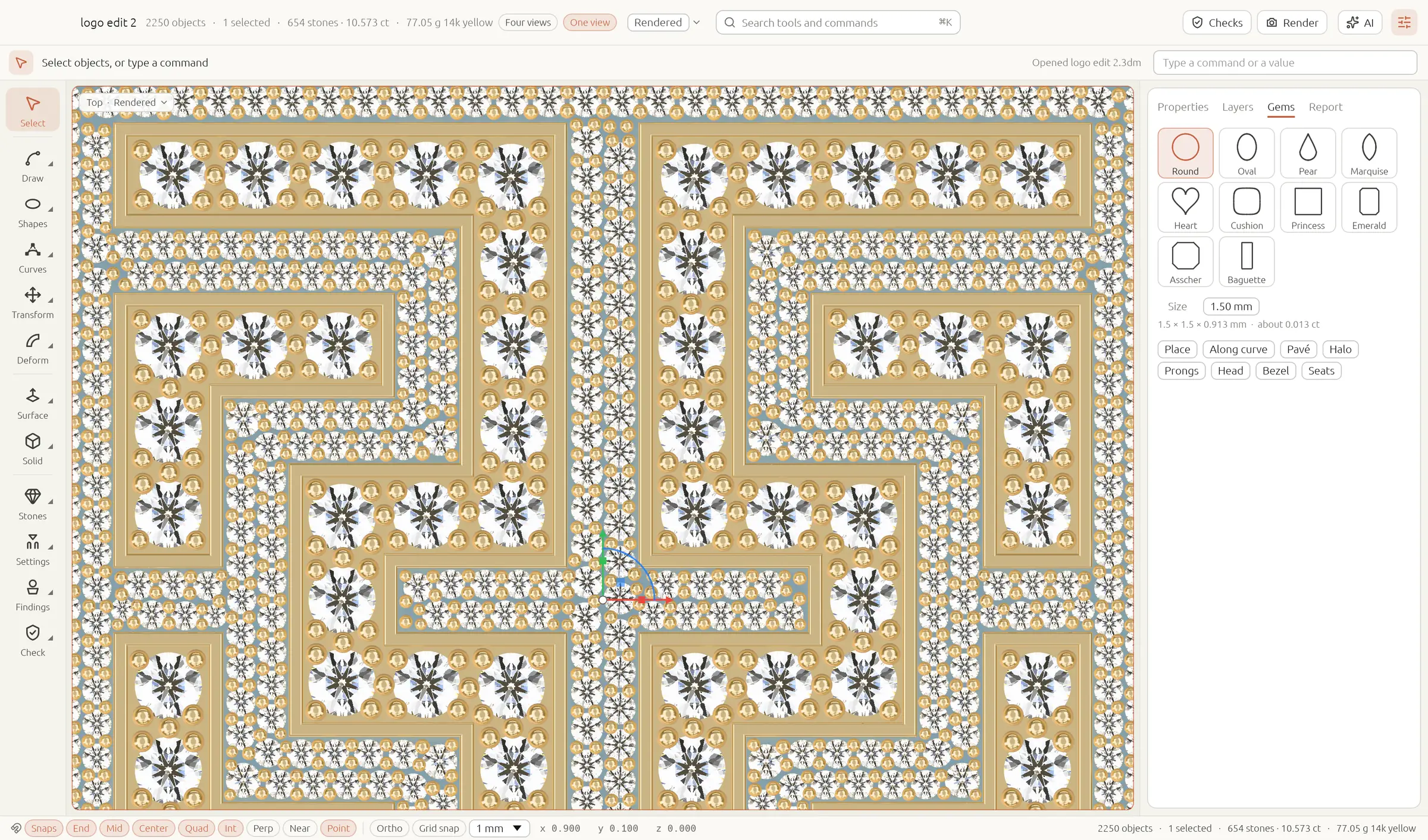
Pavé fills a face with rows that follow its outline, shared bead prongs and seat cutters. Place, slide or resize a stone by hand and its prongs and seat follow it.
Pavé that fills a face
Picks the stone size that covers best, grades sizes toward tips, and makes every bead and seat, each stone held.
Stones by hand
Snap a stone against its neighbours, fit the biggest one into a gap, slide or resize: the prongs and seats follow.
Settings that follow
Claws, heads, bezels, halos, channels and cup rows stay with their stones when you move or resize them.
Bands and bails
Rows all the way round an eternity band, and hinged bails that swing on their pin.
Know it will cast before you send it
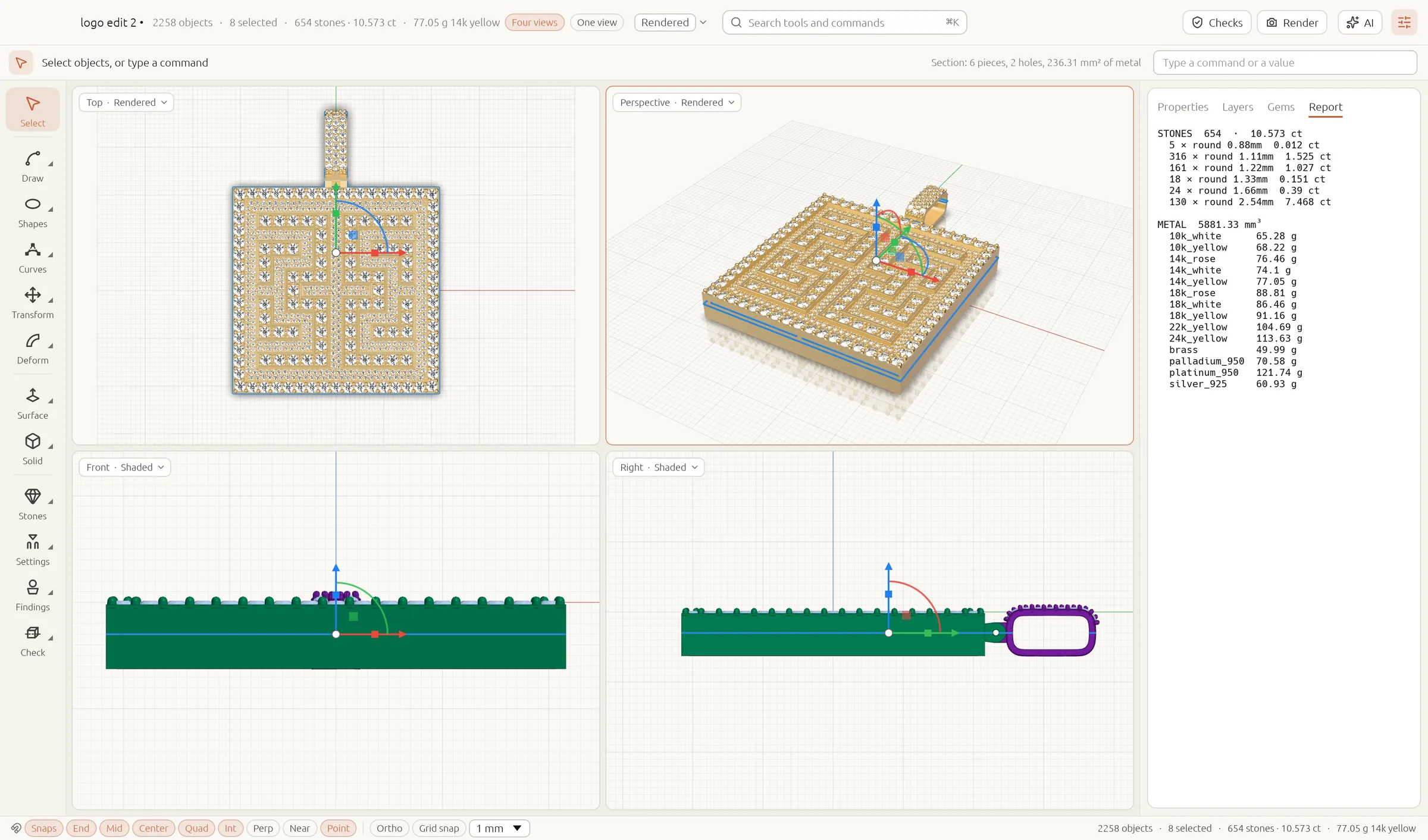
Casting checks look at the joined metal, every stone’s hold, thin walls and moving parts. Measure clearances and sections, then export a watertight STL with the seats cut.
Casting checks
Closed metal, one piece, watertight, every stone held, hinged bails that swing, and no large area of metal too thin to cast.
Measure
The gap between two parts, the outline and area where a plane cuts the piece, and where the wall gets thin.
Weight in 14 alloys
From 10k to 24k, platinum, palladium, silver and brass, and per part when parts are in different metals.
Production STL
The metal joined into one watertight mesh with every seat cut, ready for printing and casting.
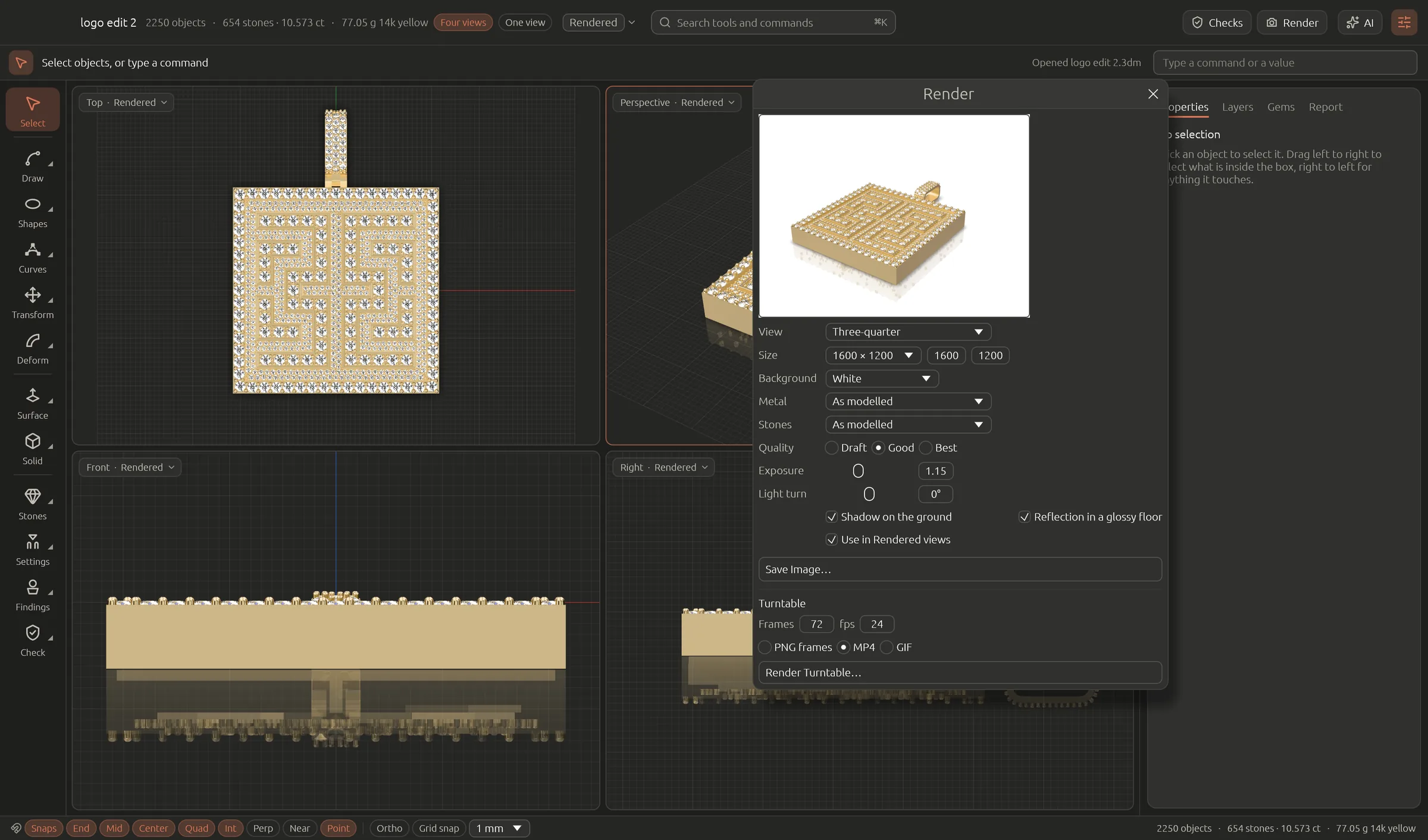
Images to show a customer
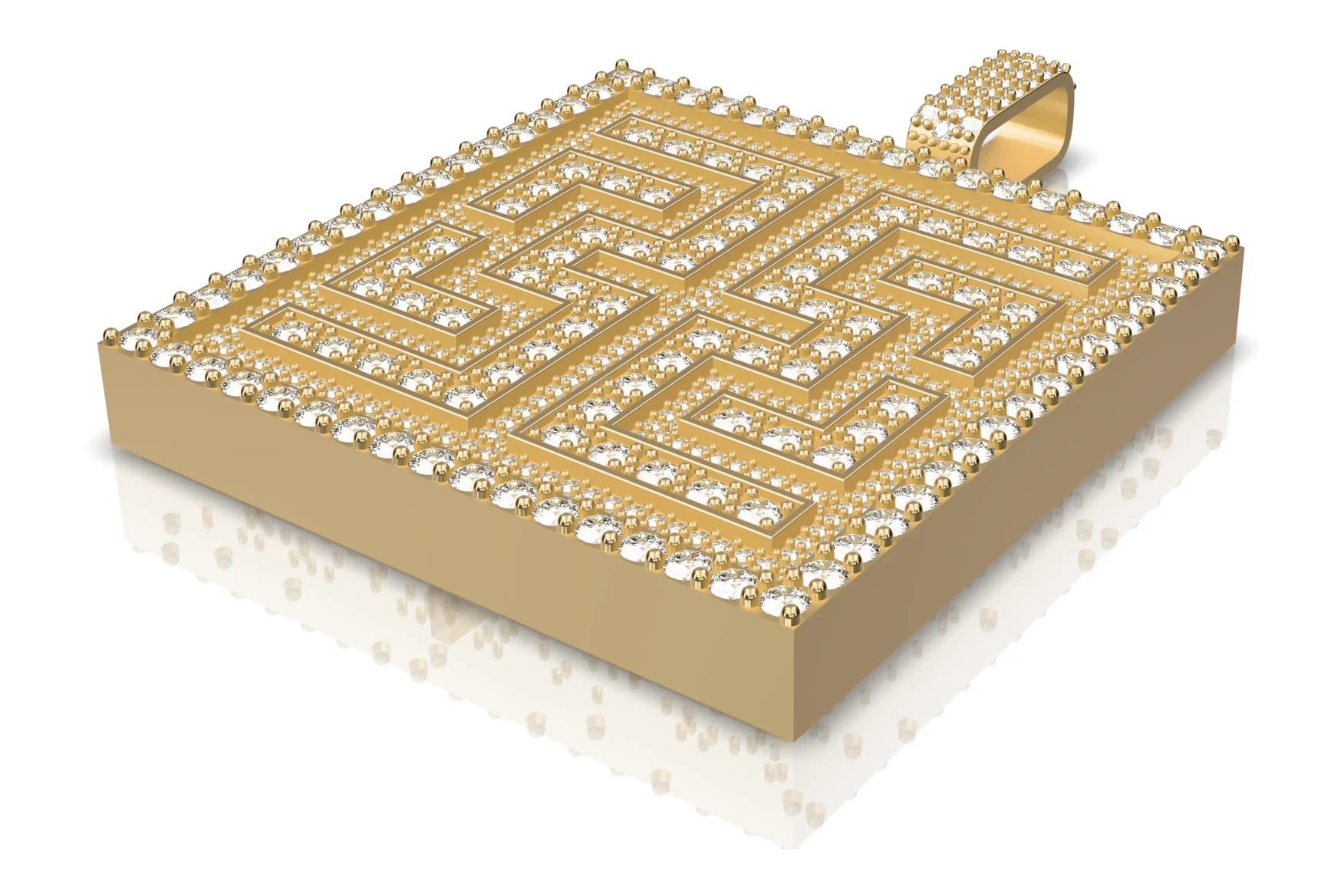
Realistic metal and diamonds, a soft shadow and a glossy floor, in any alloy and stone colour. Save stills or a turntable video straight from the app.
Metal and stones
Every alloy in the report and coloured stones, as modelled or changed for the image.
Shadow and reflection
A soft shadow on the ground and the piece reflected in a glossy floor.
Turntables
A full turn as an MP4, a GIF or the frames, for listings and social posts.
In the views too
The same look in Rendered views while you model, so you see the finish as you work.
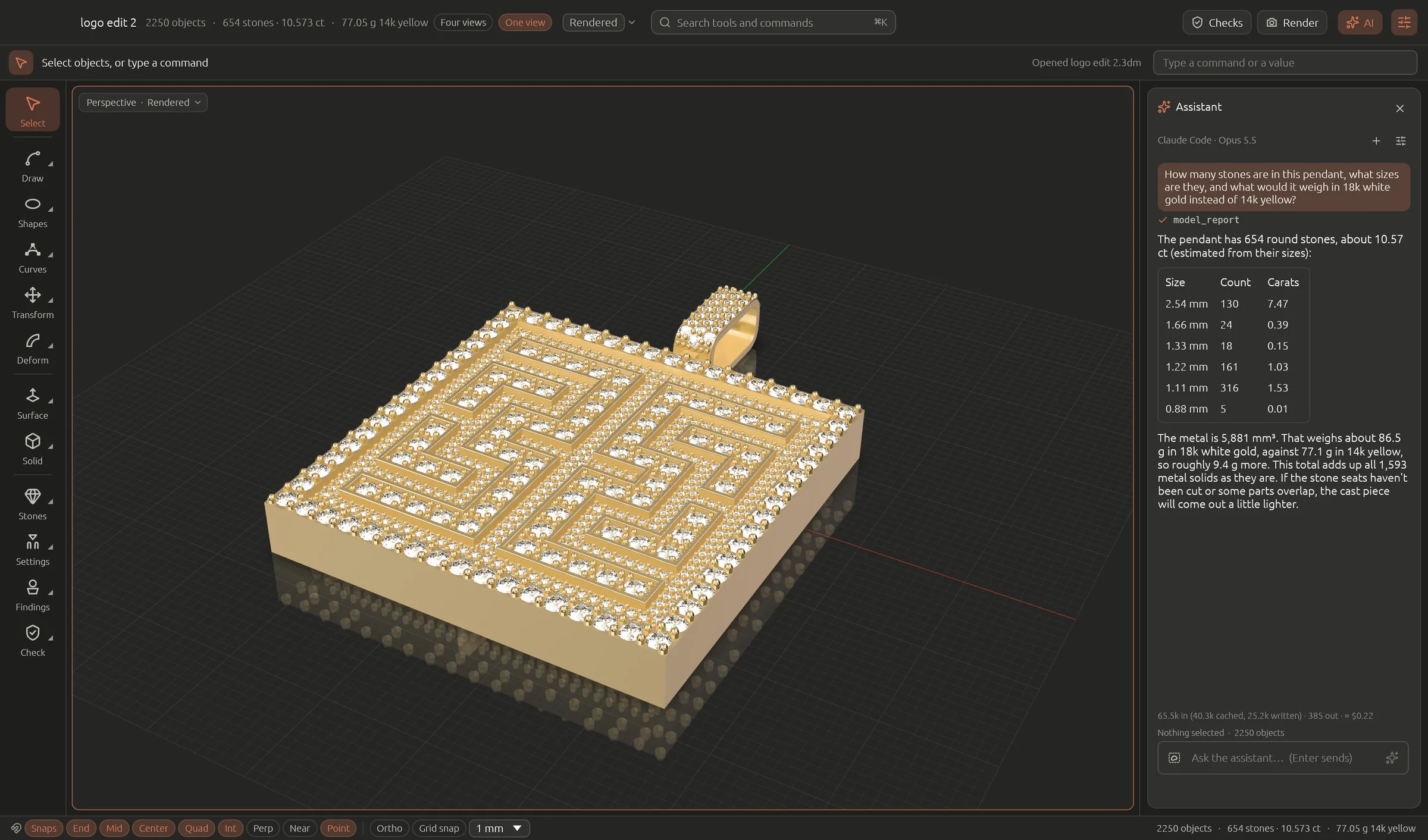
Ask for changes in plain words
The assistant sees the piece and your selection and works with the same tools you do. Each request is one step you can undo, and it asks before anything risky.
Your choice of AI
Use your Claude login through Claude Code, or your own Anthropic, OpenAI or Google key.
Pictures in the chat
Paste or drop a photo of a design and ask the assistant to trace it into curves.
Safe by default
Deleting many objects or saving over your file waits for you to allow it.
For outside agents
Modeler’s MCP server and command-line tool let any AI agent build and check pieces.
Built for AI
Your AI assistant uses the same tools you do
Describe a piece and an AI agent builds it in Modeler, through Modeler's MCP server and command-line tool.
- 1
One set of tools
Every tool in Modeler is also a command an agent can run, so its work opens as an ordinary model you keep editing by hand.
- 2
Recipes you can read
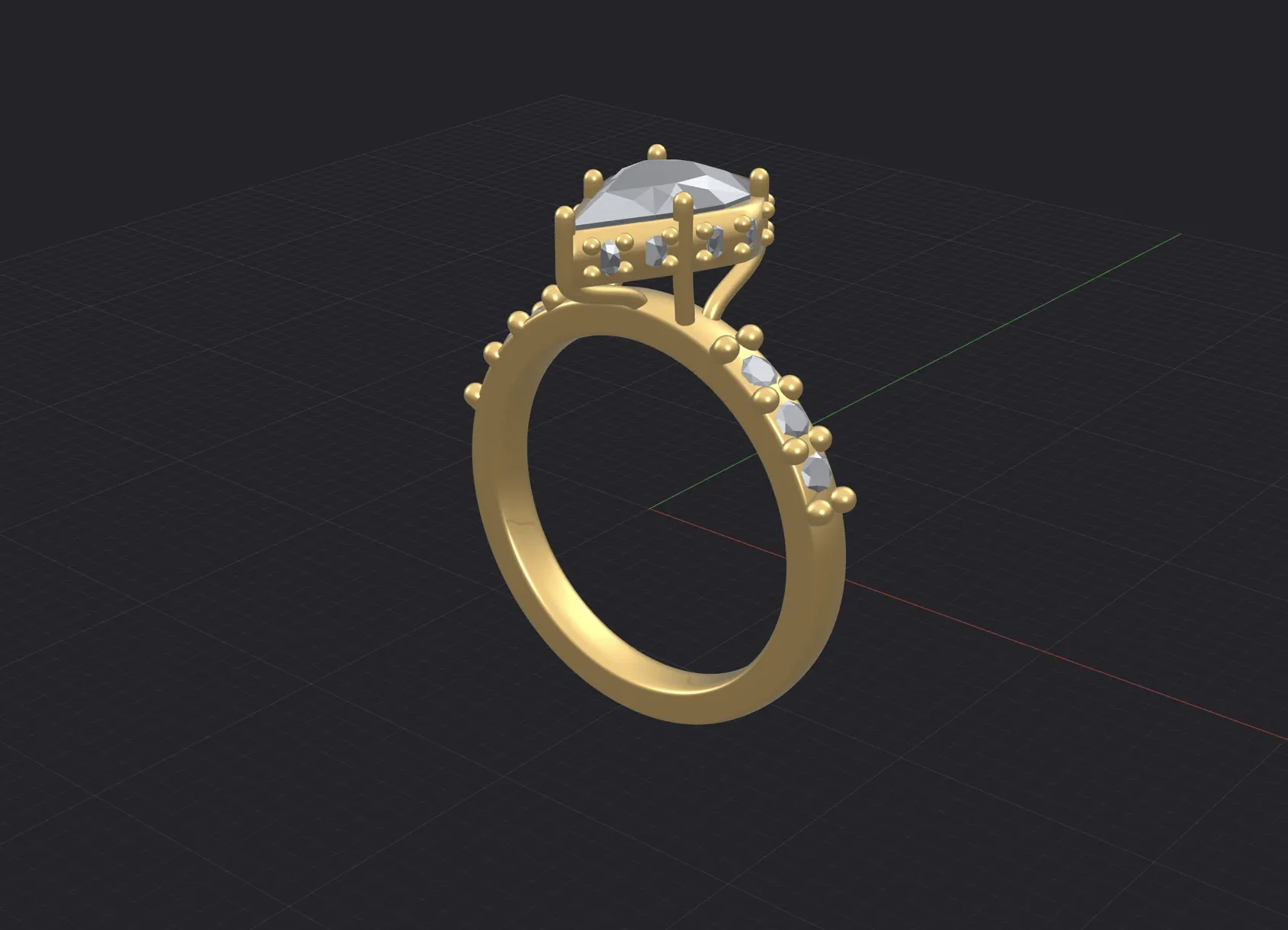
Agents describe a piece as a short recipe: a shank by ring size, a head, a halo, stones on the shoulders. Change a number and rebuild.
- 3
Checked before you see it
Each build returns the stone report, metal weight and casting checks, and renders views the agent can look at before handing it over.
{
  "name": "Pear ring with a hidden halo and stone shoulders (US 5.75)",
  "metal": "14k_yellow",
  "ops": [
    {"id": "shank", "op": "ring_shank", "size": 5.75,
     "width": 2.3, "thickness": 1.7},
    {"id": "head", "op": "head", "on": "shank", "cut": "pear",
     "size": 6.37, "ratio": 1.58, "height": 4.3,
     "claws": 5, "rotate": 180},
    {"id": "hidden", "op": "halo", "around": "head",
     "style": "hidden", "size": 1.66, "stone_gap": 0.05},
    {"id": "left", "op": "pave_band", "on": "shank",
     "size": 2.21, "arc": [-75, -25], "margin": 0.0},
    {"id": "right", "op": "pave_band", "on": "shank",
     "size": 2.21, "arc": [25, 75], "margin": 0.0}
  ]
}
Coming from another app?
See how Modeler compares
Side by side with the software jewelers use, including where each of them is stronger.
Get JewelryCG Modeler
Free for Mac. It updates itself when a new version is out.
Version 1.0.9 · 36 MB · macOS 15 or later, Apple silicon